
After more than a year of video calls, I decided it was time to update my “office” Here’s what I started with.
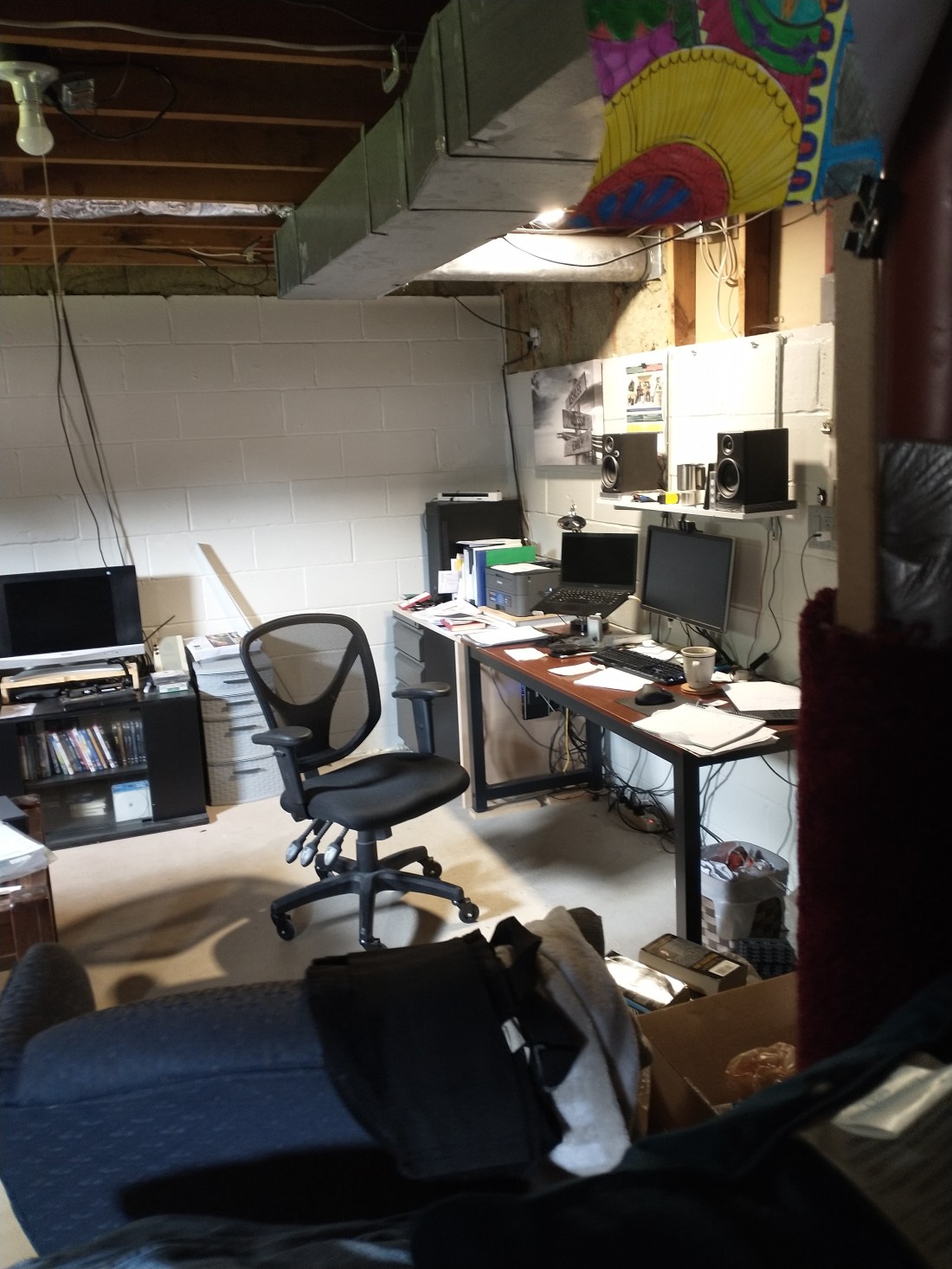
Yes, it needed a serious cleaning. That isn’t the whole problem. Remember I said video calls? I’m not one of those people who has an extra room to turn into an office. I work out of my basement. This was the best place for me to get work done. I tried the backgrounds, available in most conferencing software, but I wear glasses and they would blink in and out of existence during calls. Without a virtual background, this is what the world sees.
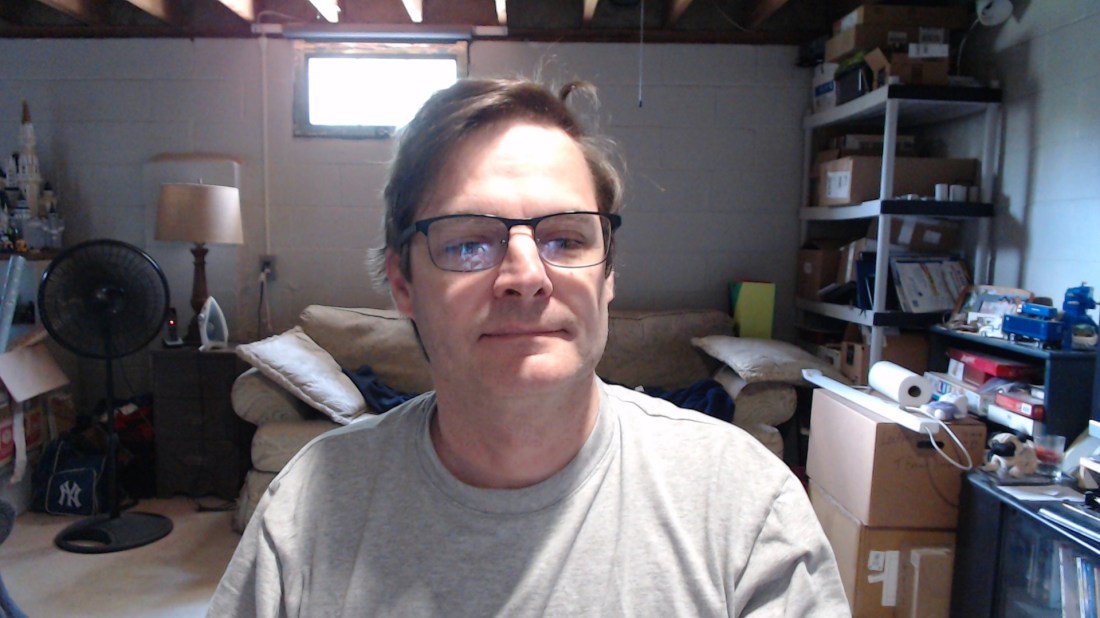
Yikes! In order do improve the situation, I hung a blanket from the ceiling. A little bit better.

The problem? It didn’t feel “right” and I had to set it up each time I was going to be on a call. The solution? It was staring at me every day.

I needed a real wall behind me, and I knew where to put it. Here’s some progress
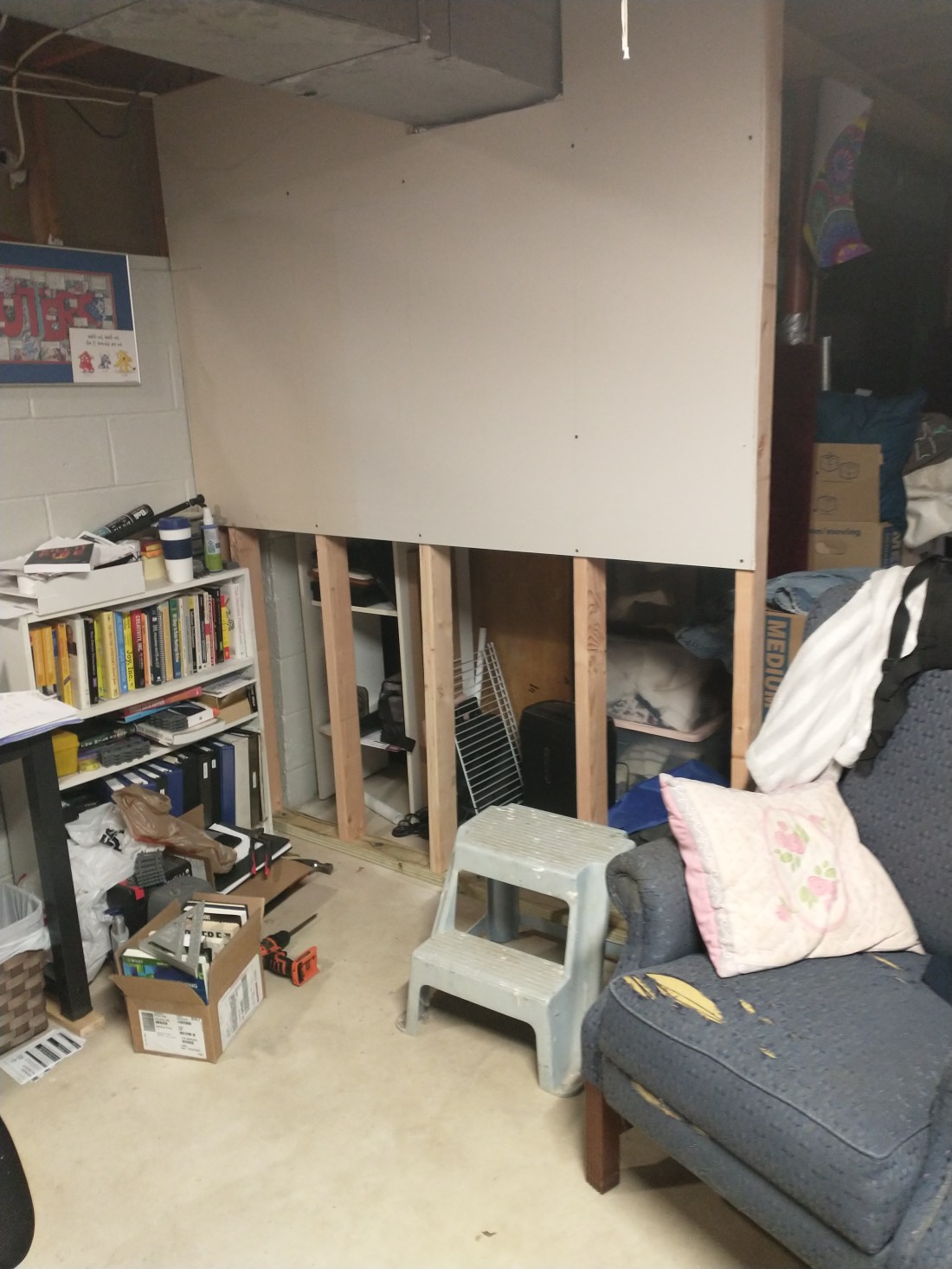
Here it is, “finished”
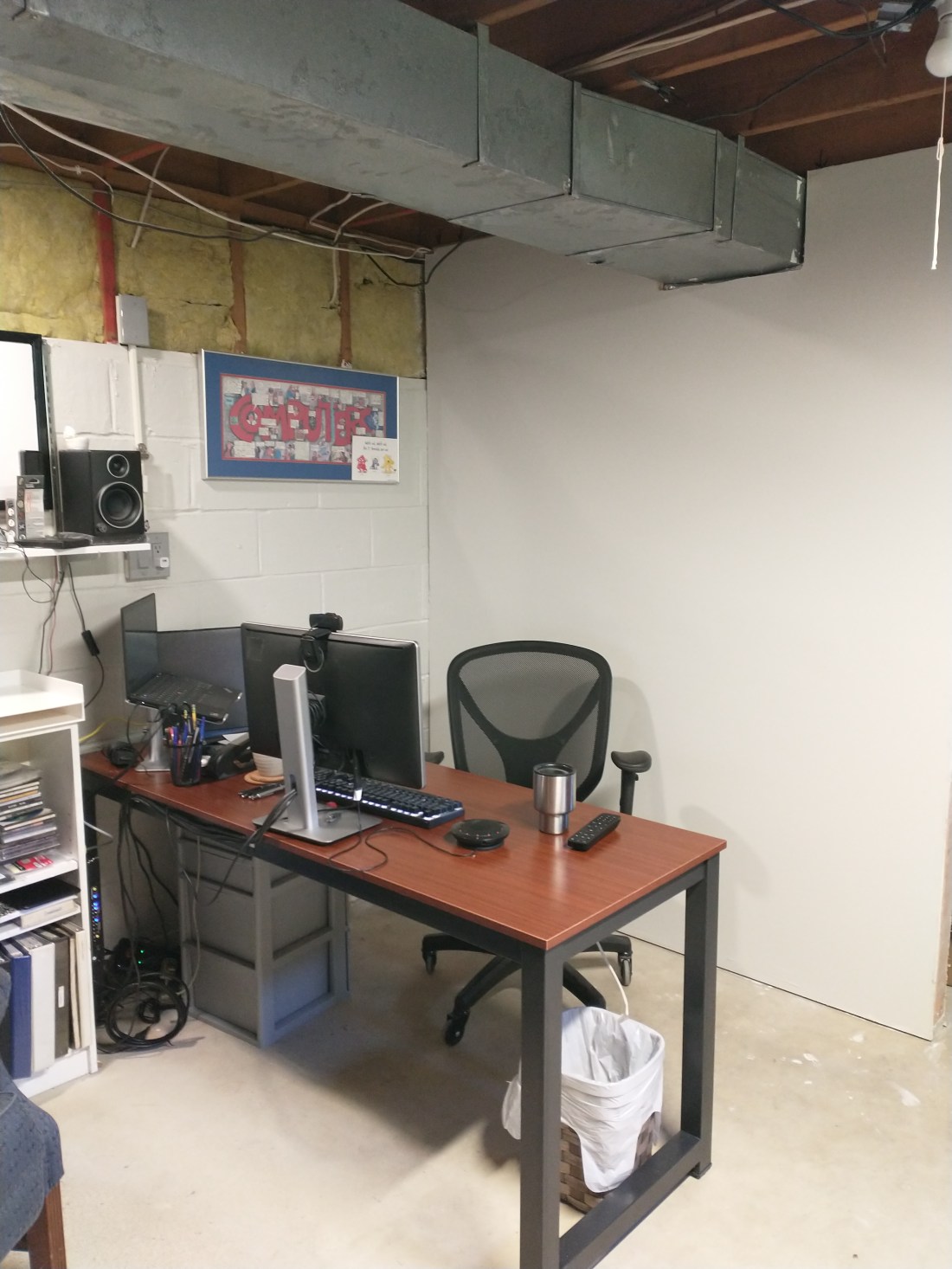
Some might say that I’m wasting space by having the desk away from the wall. It’s worth using a little bit more space. All I need to keep visually clean is the space between my desk and the wall. I don’t have keep half of the basement ready to go. Another benefit is that I can also watch TV while reading email.

Next step, a few more tweaks to the lighting, and arranging the speakers
 Brad's Random Thoughts